HOW IT WORKS
WE SEND THE TOOLS.
YOU KEEP THE FILES.
Your browser does the work on your device. Our PDF tools do not upload or store your documents on our processing server.
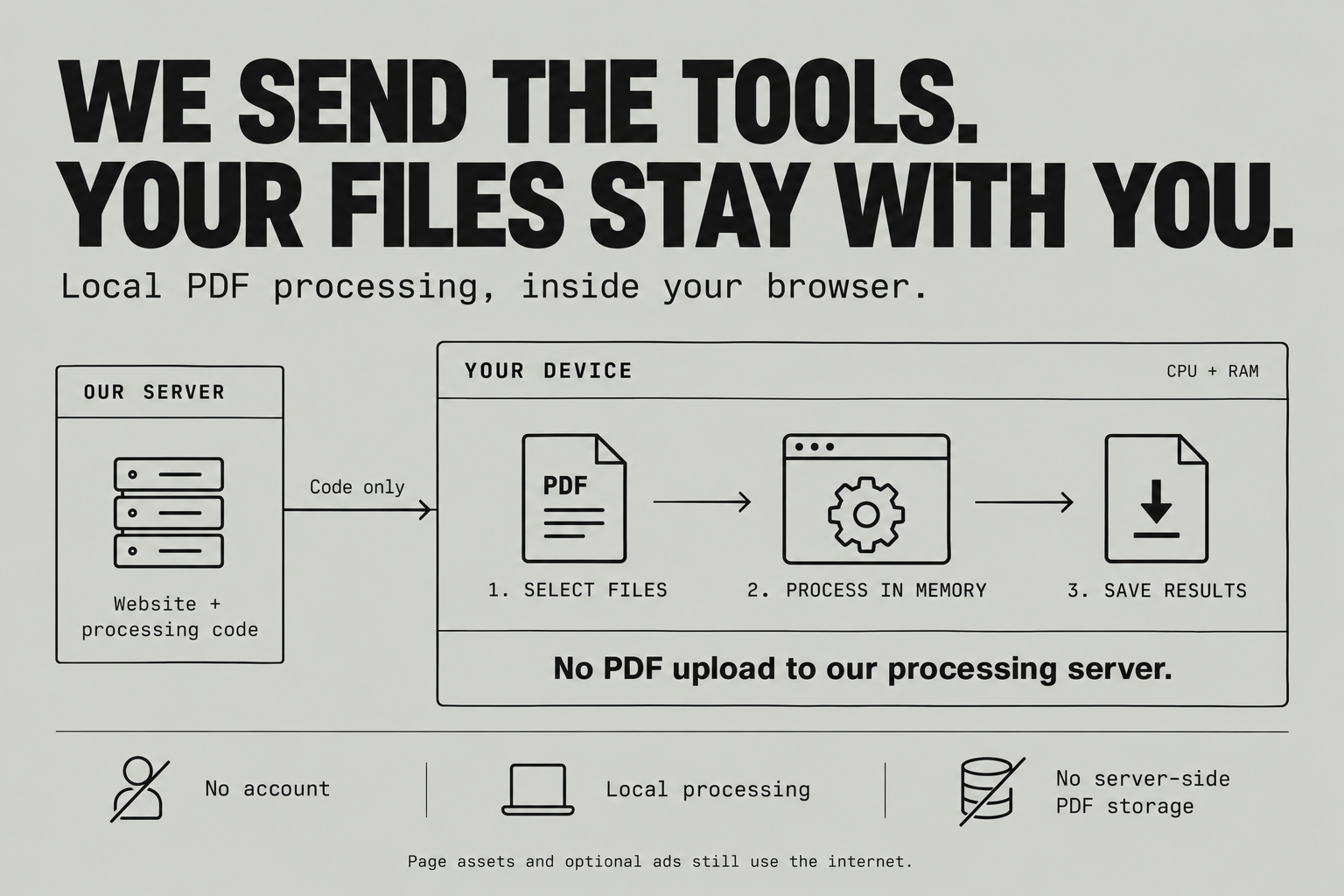
- Choose your files.
Your browser reads only the files you select.
- Process on your device.
Your CPU and memory merge or split the PDFs.
- Save your result.
The browser creates the download locally. We do not need to receive or store the PDF.
Explore the technology
ArrayBuffer: file bytes in memory
file.arrayBuffer() reads a selected file into browser-managed memory. Reading a file is not an upload.
Web Worker: work off the interface thread
PDF Merge transfers these buffers to a worker on the same device. pdf-lib builds the PDF; Split uses JSZip to package its results. PDF.js draws previews.
Blob: download a local result
A Blob wraps the result bytes. A temporary object URL lets the browser save them without downloading a processed PDF from our server.
Not the same as WebAssembly
These PDF workflows use JavaScript and Web Workers. WebAssembly is another execution format, not a requirement for local processing.
Your device sets the limits
Large files and previews may use more RAM than the source file size. Processing can fail on limited-memory devices or unsupported PDFs. Keep originals and check the output. Closing the page is not a guarantee of secure memory erasure.
Local file processing does not mean zero internet traffic. Page assets and optional ads still use the network. Privacy details
How usage is counted
Visit sessions and browser-reported completed jobs appear in the footer once tracking starts. Returning sessions are included. One successful tool operation counts as one job, even when it produces several files. File contents and names are not sent with these events.